How Can I Adjust a Monitor's Resolution in iSign?
For the best display quality, use the resolution configured in the Windows display settings.
iSign can be adjusted to match the resolution of the connected display, including custom resolutions and display formats.
This allows screens of different sizes and resolutions to be used within the same iSign installation.
If required, you can add a custom resolution or edit an existing one under Administration > Displays > Screens. Under Position – Display, select "--". You can then set the desired custom resolution.
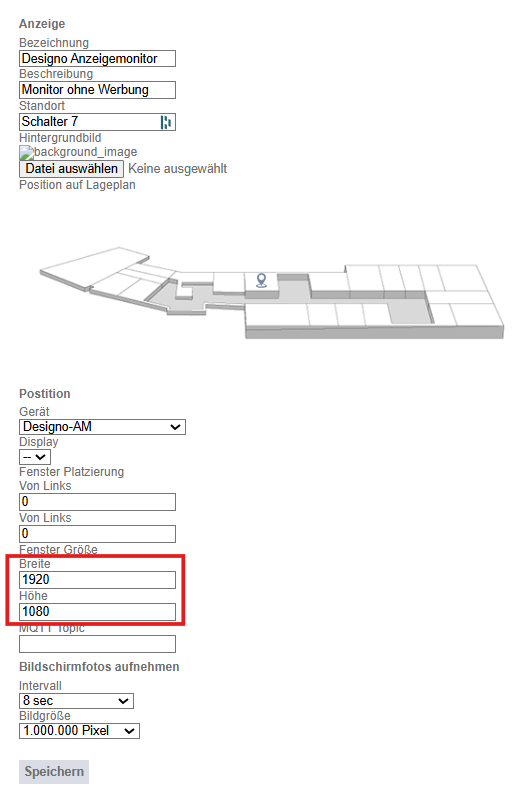
Note About Window Configuration
If windows and content have already been configured for a display, adjust them to the newly configured resolution. This is especially important for custom or non-standard display formats. Update the existing windows or create them again if necessary.
This ensures that all content, windows, and elements are positioned correctly and displayed in full on the relevant screen.