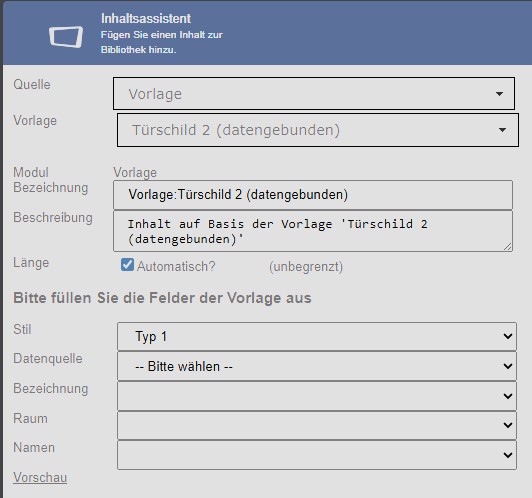
Door Signs
Template for door signs.
Use this template to enter and update information such as names or notices. You can change the content on an E-Paper door sign at any time, making it ideal for rooms with changing uses or temporary occupants.
The following variants are available:
- Door Sign 1 – manual entry
- Door Sign 1 – data-driven entry
- Door Sign 2 – manual entry
- Door Sign 2 – data-driven entry
Open them through Library > Add:
- Source: Select Templates from the drop-down menu.
- Under Template, select the template you want from the drop-down menu.

The templates generally have the same structure. You can change the module name or description to make them easier to identify later.
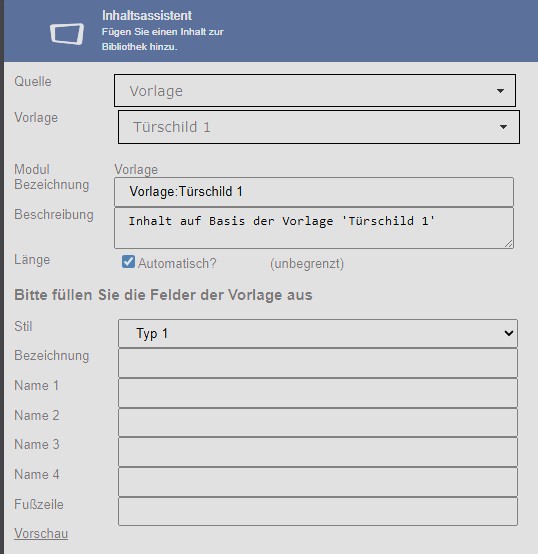
All door sign templates include the Style, Label, and Footer fields. Other fields depend on the selected template.
Style
Select the style for the EPD. Depending on the template, up to five styles are available.
Label
Enter a room name, company name, or similar text. It appears in the selected style.
Footer
Use this as a free-text field.
Style Variants
Type 1
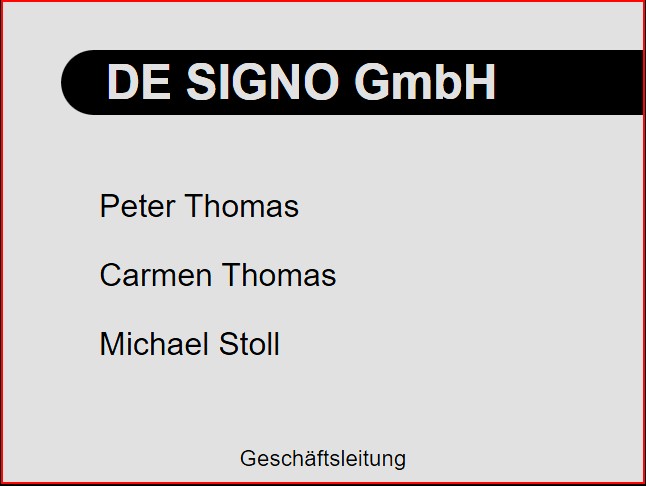
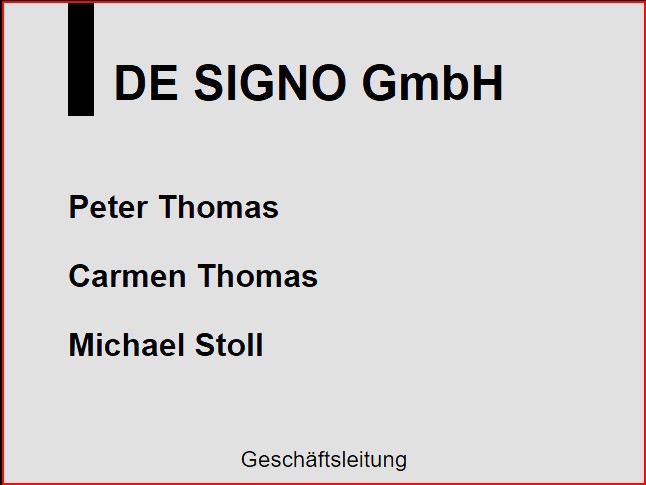
Type 2
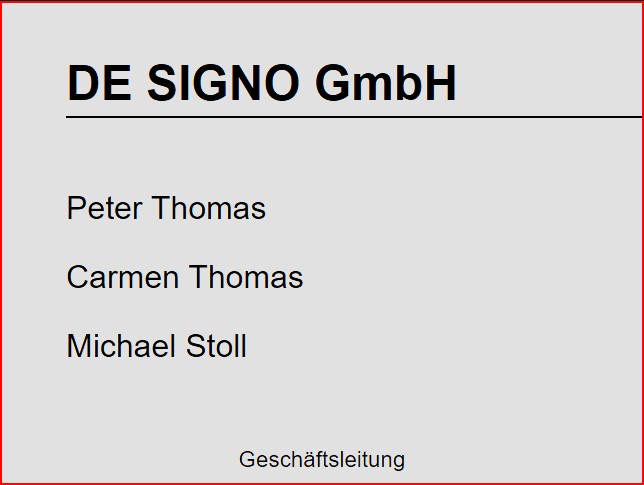
Type 3
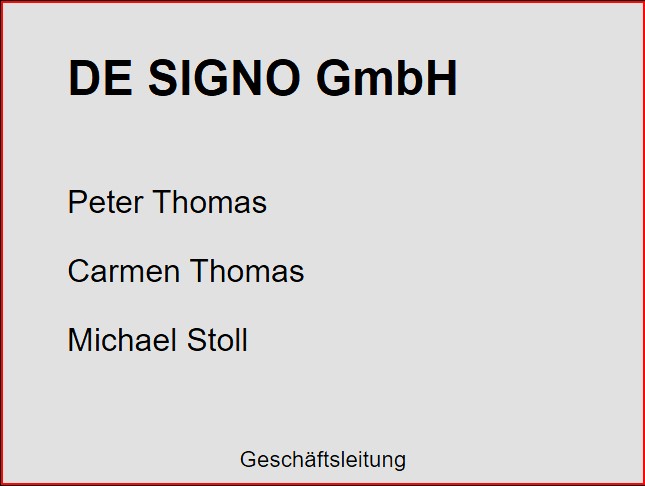
Type 4
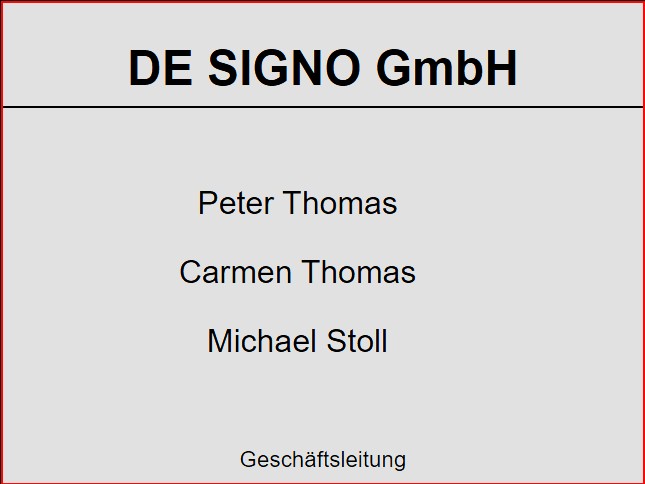
Type 5
Door Sign 1: Manual Entry
Enter the data manually.
Example content:
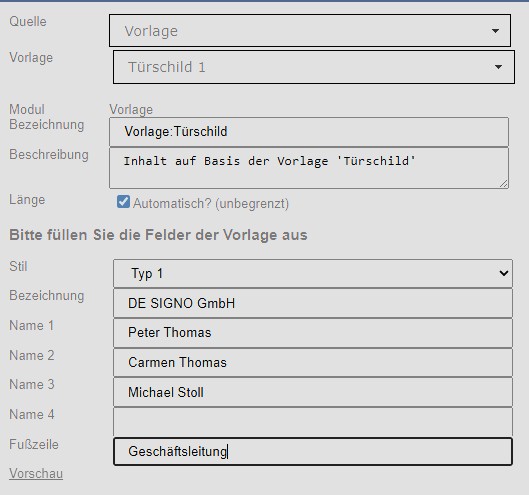
See the style variants above for a preview.
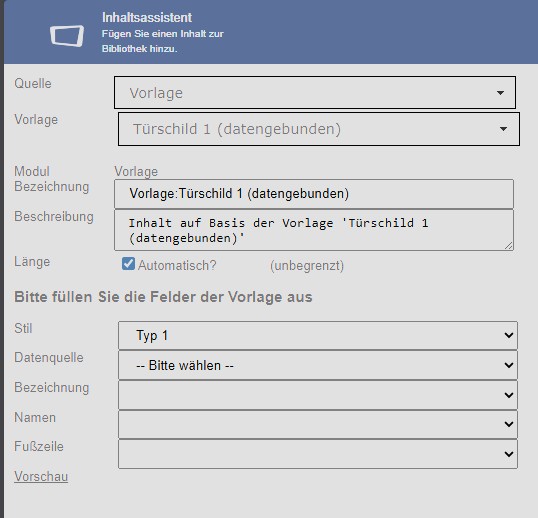
Door Sign 1: Data-Driven Content
Use a data source to populate the content.
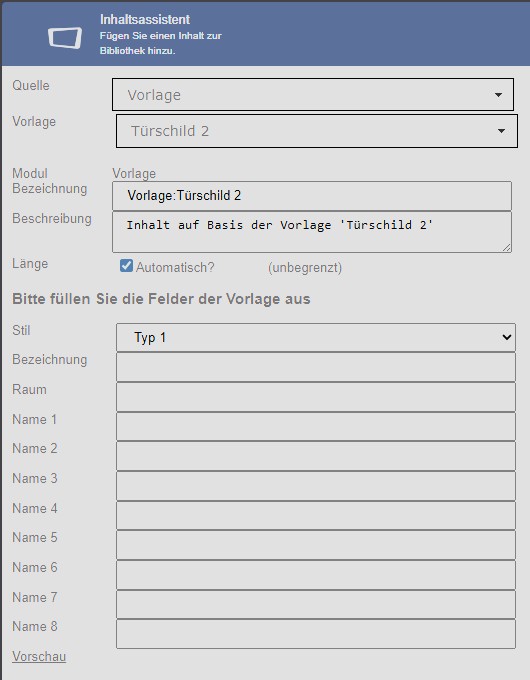
Door Sign 2: Manual Entry
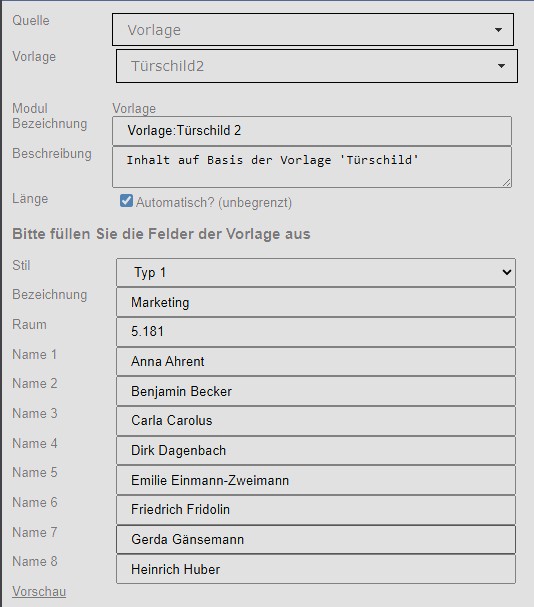
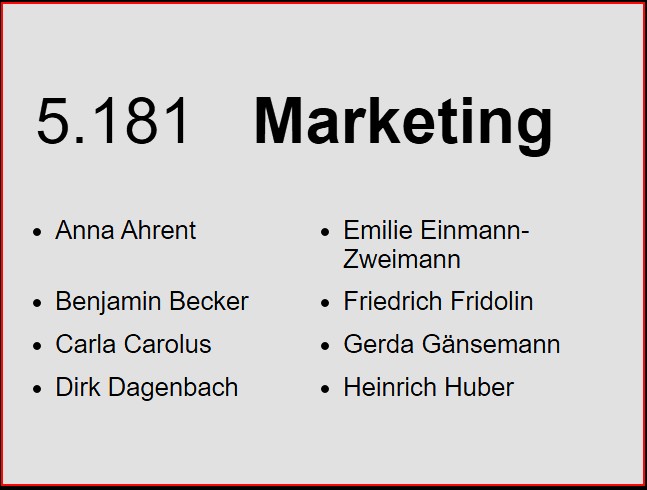
You can enter more than four names, which are displayed in two columns. Because of the layout, keep the character count for the label and room fields in mind. Long labels may not be displayed in full. Only Style Type 1 is available for this sign.
Example content and preview:
Door Sign 2: Data-Driven Content
Use a data source to populate the content.