List (Multi)
Template for calling queue numbers.
info
Available features may vary slightly depending on your version. We can provide the current version, depending on the iSign version you have installed. We recommend always using the latest iSign version.
Create and manage content centrally in the Library. The List Multi template combines and displays calls from any selected queues in one content item.
After saving, assign the content to one or more display units.
To call numbers from several queues, select the vocatis list multi template. To call numbers from one queue, use the List template.
Select each queue exactly once. Multiple selections are ignored. The standard template supports up to 8 queues.
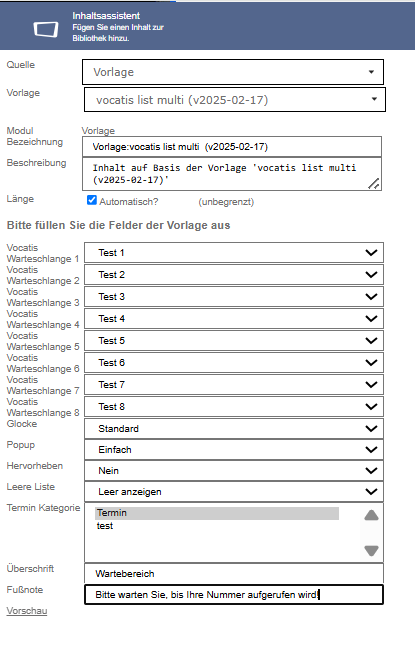
| Option | Description |
|---|---|
| Queue | Select up to 8 queues, once each. Duplicate selections are ignored. |
| Chime | Choose a chime or the Hedda voice. Attached audio samples are preview-only and are not installed. |
| Popup | Show the called number and counter for 5 seconds, then a list of up to 8 calls. |
| Highlight | Highlight the current number instead of showing a popup. |
| Empty list | Show the default template when empty, or hide it to reveal lower-priority content until a number is called. |
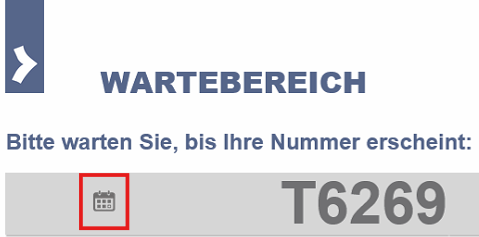
| Appointment category | Show a calendar icon for appointment calls when a category is assigned. |
| Heading | Free-text field. |
| Footer | Free-text field. |
| Preview | Select a monitor with the appropriate resolution to preview the content. |