How Do I Perform a Cold Start on an EPD?
info
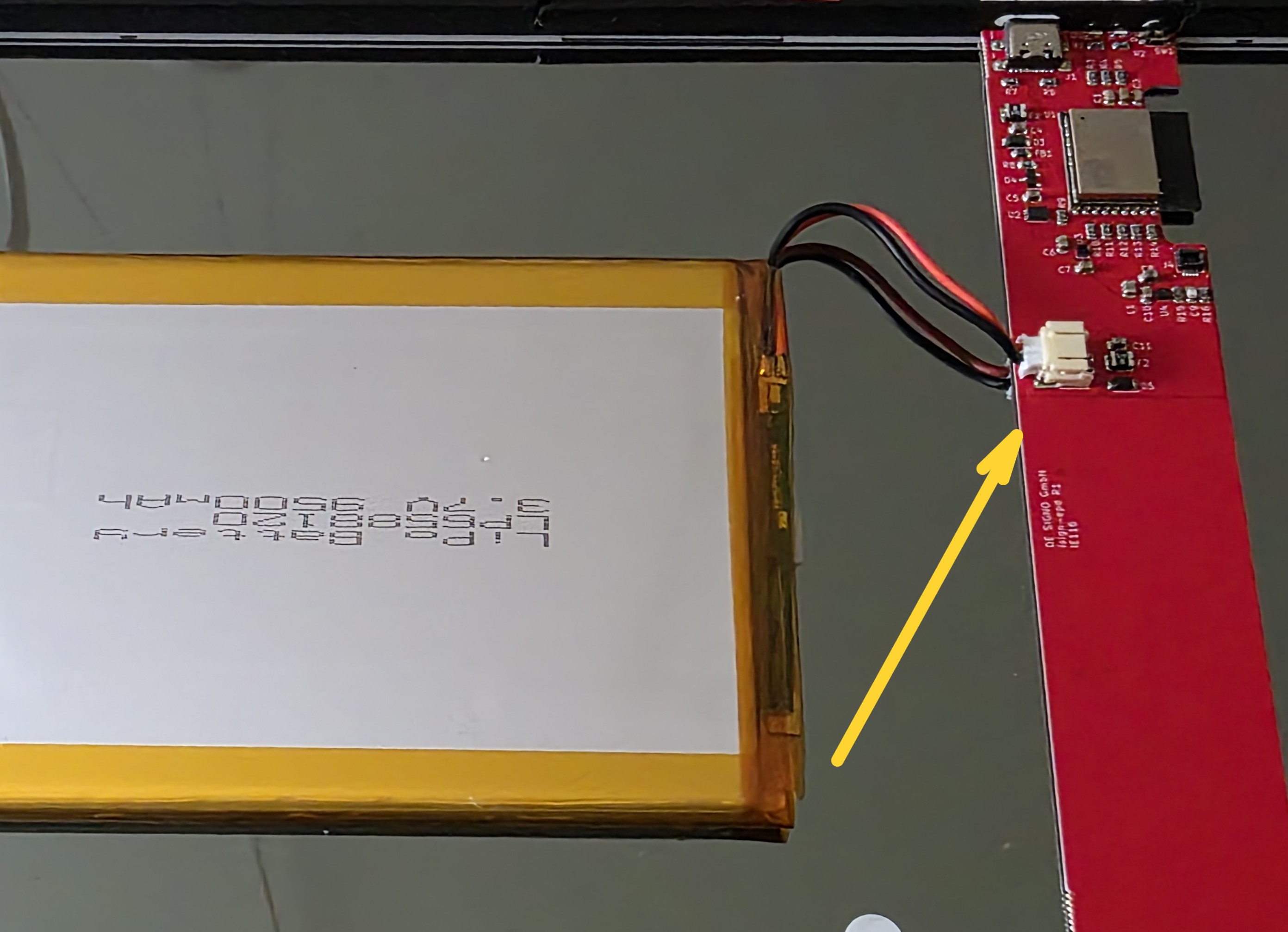
If the EPD does not respond after the battery has been fully discharged and recharged, briefly disconnecting the battery connector from the circuit board may help.
1. Preparation
- Place the EPD display side down on a soft surface.
- Carefully open the back cover.
2. Disconnect the Battery
- Disconnect the small white connector linking the battery to the circuit board.
- Wait a few seconds, then reconnect it.
3. Close the Cover
- Carefully put the cover back in place.
- Note: Tighten the screws only slightly.
4. Reset the Device
- Use a pointed object, such as a paper clip, to press the Reset button for about 10 seconds.
- The device restarts.
5. Configure the EPD Again
- Configure the E-Paper Display again.
Procedure