Why Does iSign Setup Show the "Cache Failed" Error?
The iSign_Setup.exe file does not contain all the files required for installation. It downloads them from the internet during setup. If a proxy blocks the download, use this workaround:
-
Download the files on a computer with internet access.
- Run
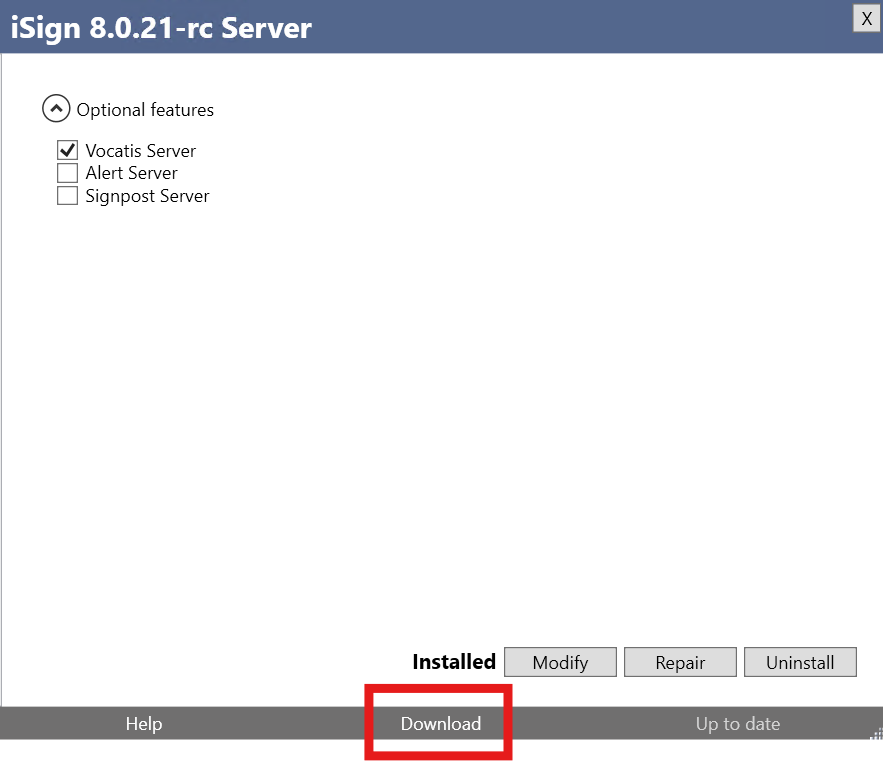
iSign_Setup.exeon a PC with an internet connection. - Select the option to download the installation files.
- Run
-
Transfer the files to the target computer.
- Copy the created folder to the PC or server where you want to install iSign.
-
Start the offline installation.
- Run
iSign_Setup.exefrom the copied folder on the target computer.
- Run