Overview
Display Preview
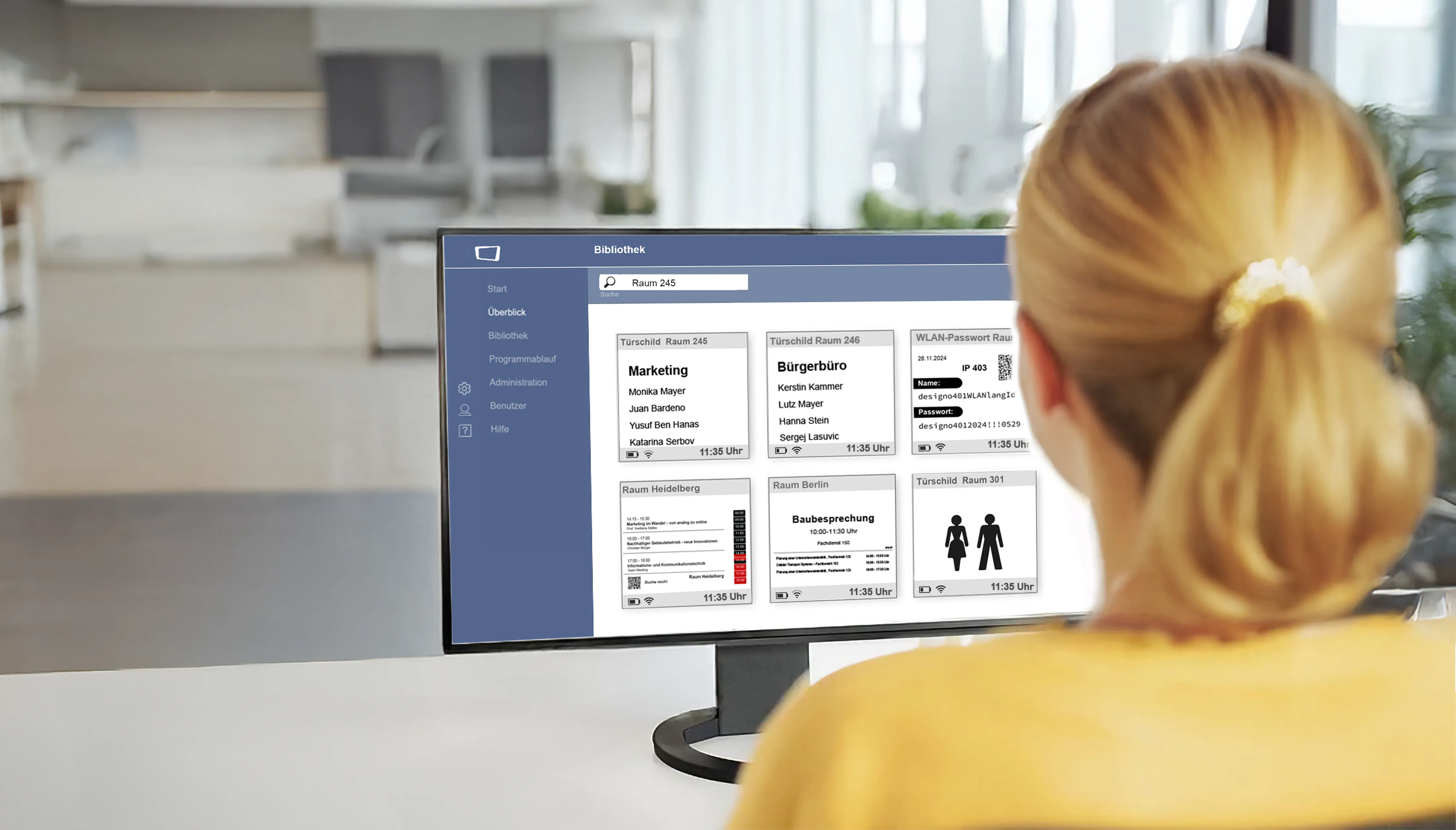
The Overview section provides a live preview of your screens and E-Paper Displays. The preview refreshes automatically at regular intervals.
note
You can set the refresh interval for each display under Administration → Displays → Screens.
The timestamp of the screenshots shows whether the display is updating regularly. If it is not, the display unit may have lost its connection to the server.
E-Paper Displays also show these status details:
- Wi-Fi connection status
- Battery status