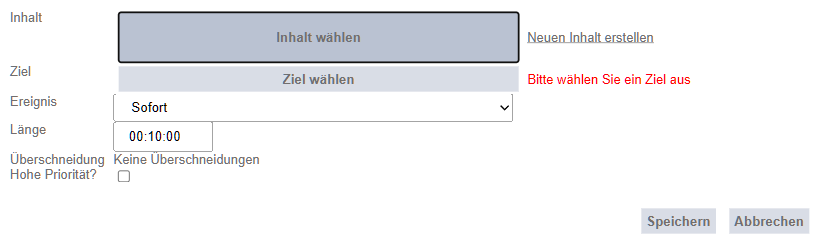
Program Schedule
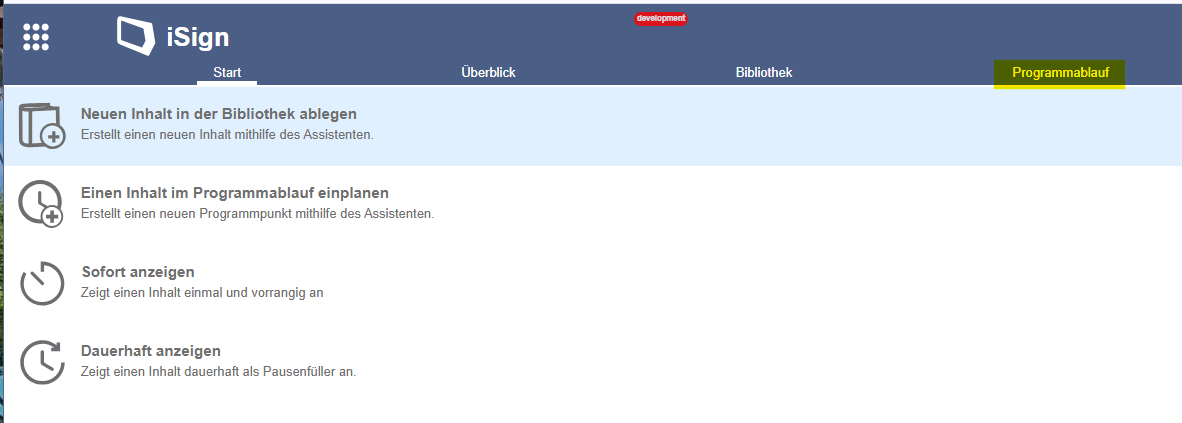
In the Program Schedule, you can schedule, edit, or remove content from the Library.
The calendar view gives you an overview of:
- The time schedule of planned content
- The name of the display unit showing the content
- A blue marker for content that is currently active
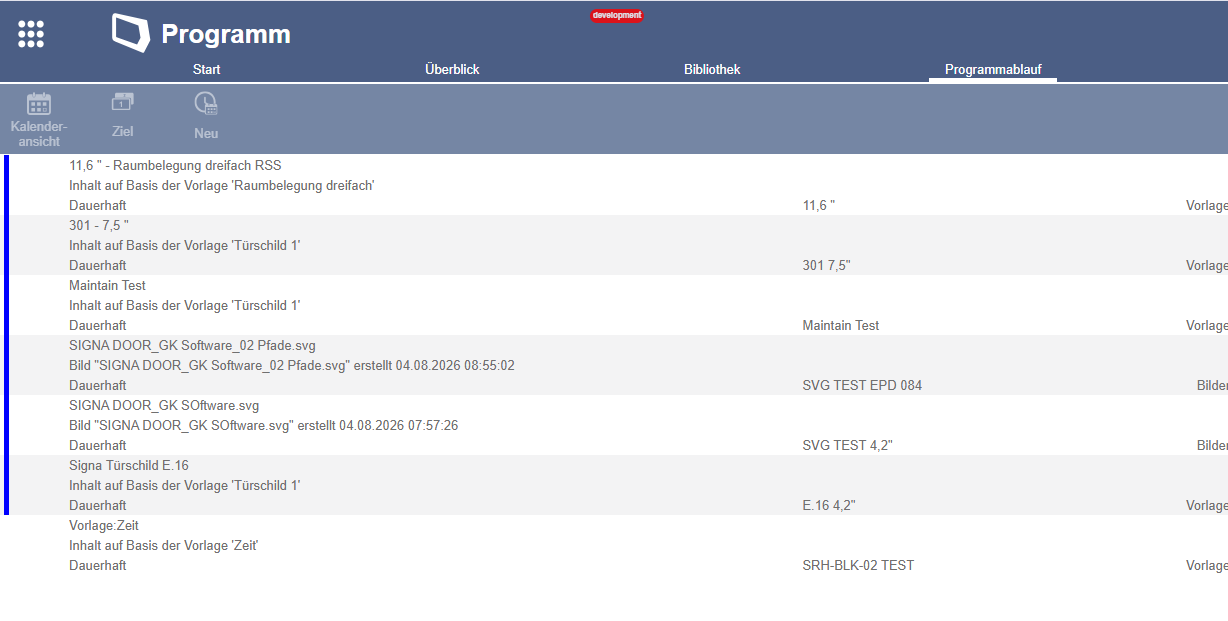
Calendar View
Use Calendar View to switch between list and calendar views at any time. The calendar view organizes all scheduled content by date. Select a date to view a specific day.
By default, iSign opens in list view.
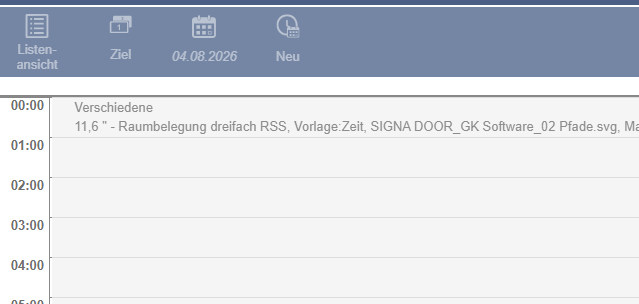
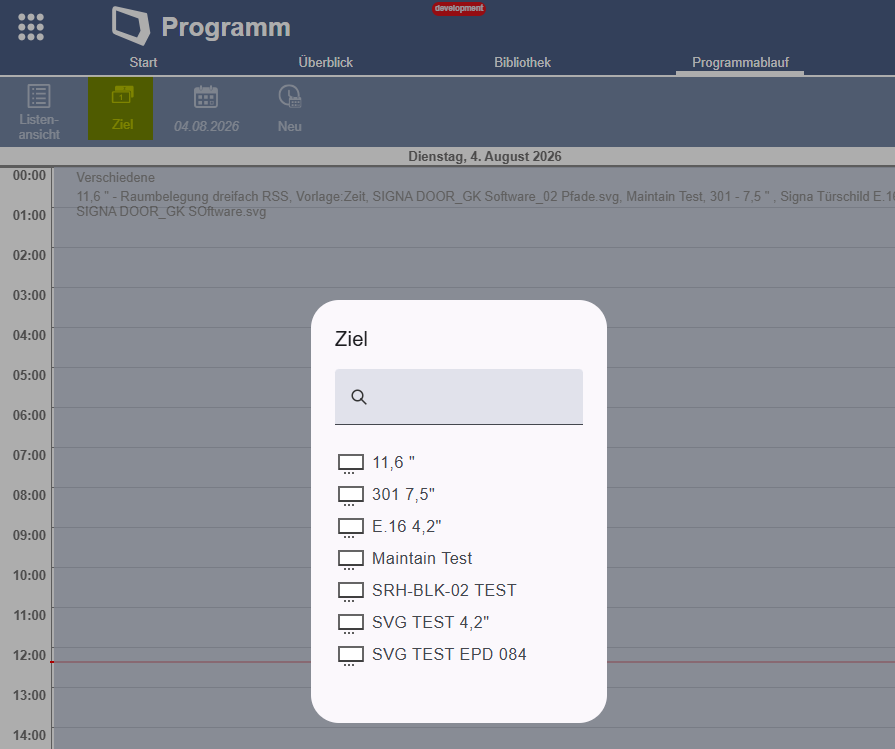
View and Select Display Targets
The Target section lists all available display units. Select a target to see which content is currently scheduled for it. You can also add new content directly to the target.
Schedule Content
Select New to open the Program Assistant. You can also select content in the Library and click Schedule to open the same assistant.