Counters
A counter in Vocatis is the defined location where customers are called, such as a room, desk, or booth. You can adapt the system to your organizational workflow.
How it works:
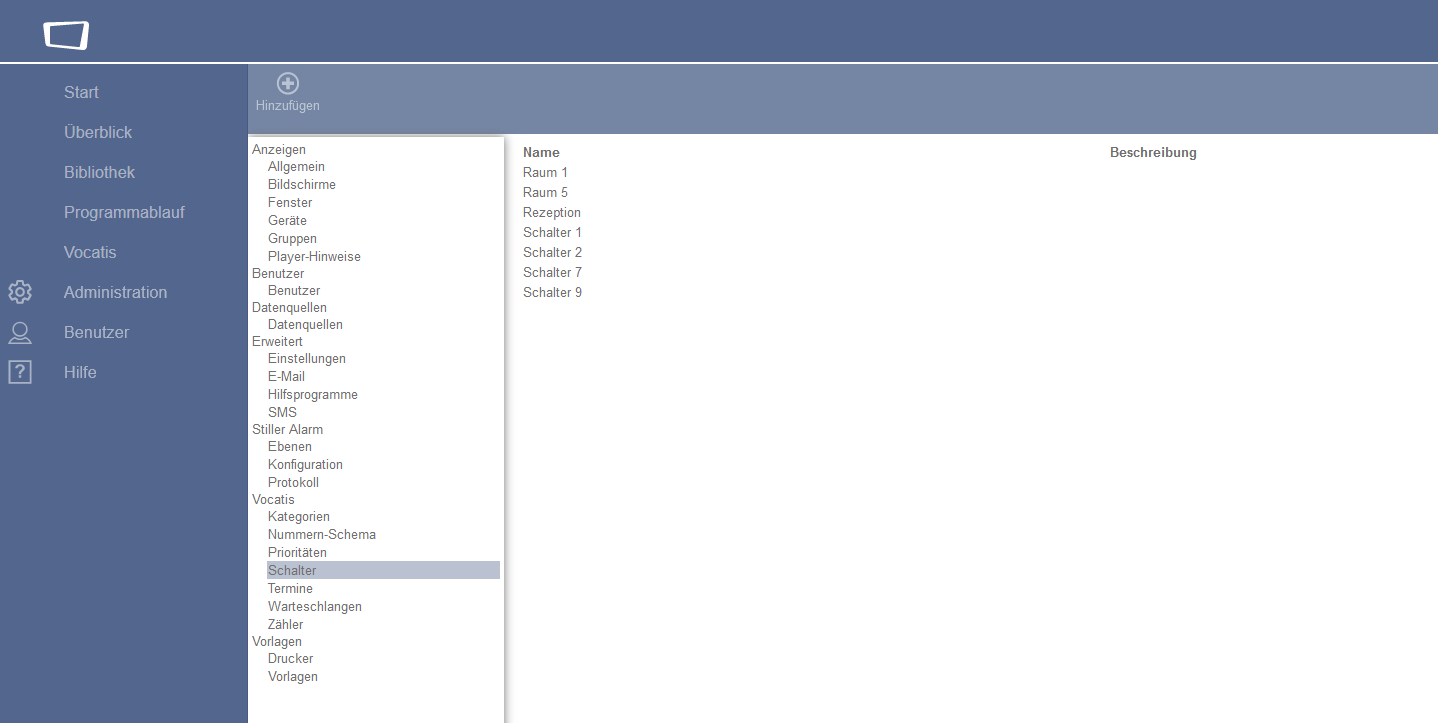
- Create a counter: Click Add to create a new counter.
- Name the counter: Choose a name that fits your workplace, such as Room 101, Desk 3, or X-ray booth.
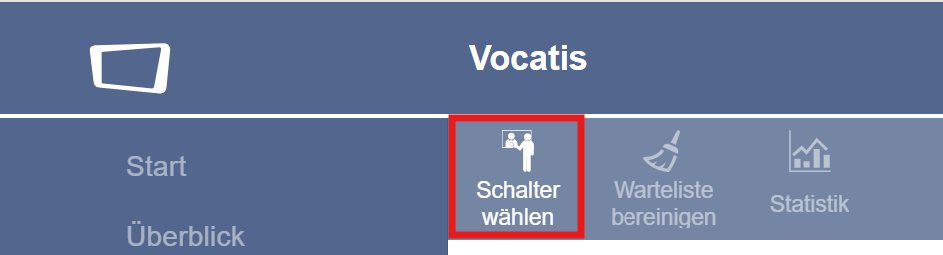
- Call customers: A case worker first selects their counter in Vocatis, then manually calls waiting numbers.
info
When a number is called, the calling display shows it together with the selected counter name, so customers know where to go.

| Field | Description |
|---|---|
| Name | Displayed on the calling monitor with the number being called. |
| Description | For internal reference. |