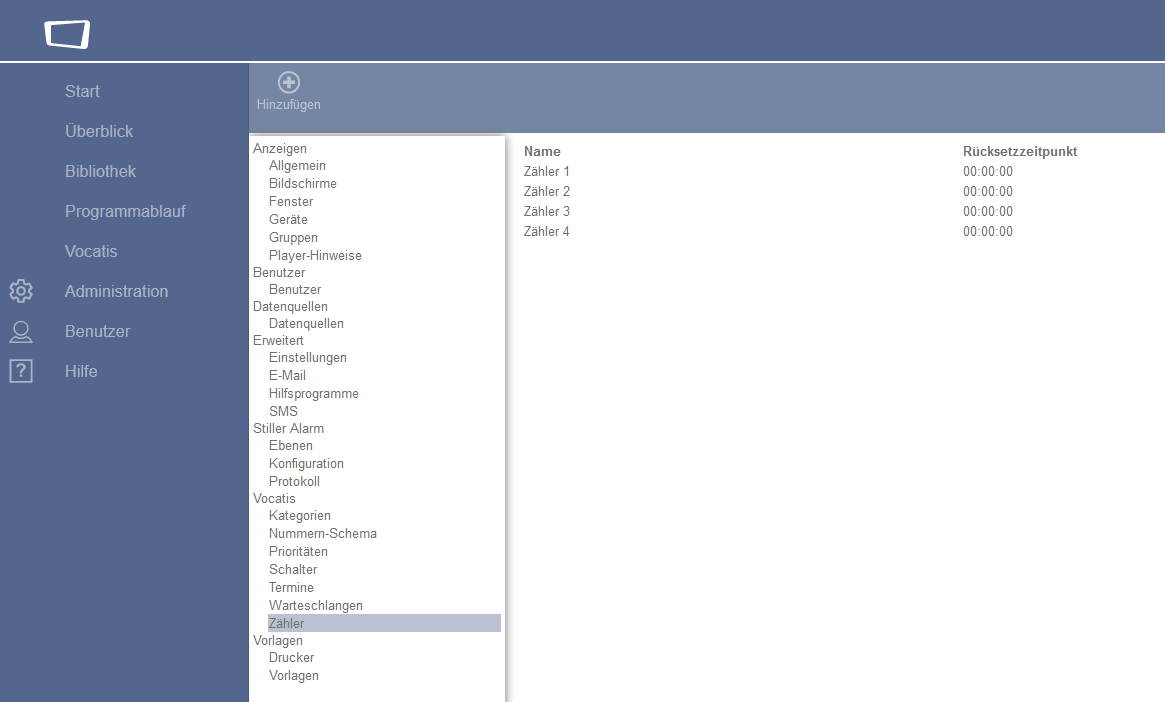
Counters
Click Add to create a counter.
You can create separate counters for queues and categories. Each counter defines when the numbering sequence resets and starts again. This keeps numbers sequential and easy to track, regardless of the queue or category.
info
Counter names are for organizational purposes only.
Examples
Separate counters for each queue
Each queue assigns its own numbers, starting at 1 and counting independently. For example, Queue 1 uses W1-1, W1-2, W1-3; Queue 2 uses W2-1, W2-2, W2-3.
One shared counter for all queues
All queues share a counter. Numbers are assigned in the order tickets are issued, regardless of the queue, for example W2-1, W2-2, W1-3.