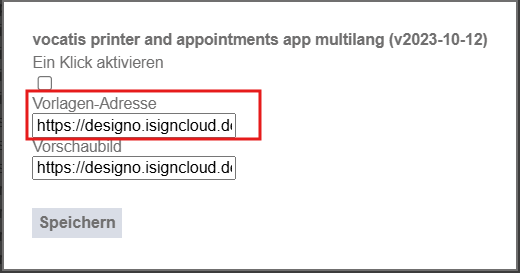
How Can I Edit the Template URL?
When you select a template under Administration → Templates and click Edit, the Template URL is displayed. The URL must be accessible both internally and externally (over the internet), for example, when customers use a queue ticket on the go.
Access options
- Firewall: Allow access to the relevant host and port combination.
- Reverse proxy: Forward requests through a proxy, such as Nginx or Apache, to the internal template server.
Note: Use TLS/SSL encryption and, if necessary, authentication on the reverse proxy to prevent unauthorized access.