Vocatis Add-on Modules
Reception Module
The Reception module is included in the system by default. It can be used instead of, or in addition to, the self-service terminal and allows your staff to assist visitors in person.
The module provides a structured way to register and direct visitors, with or without an appointment. Requests are assigned directly to queues.
Without an appointment:
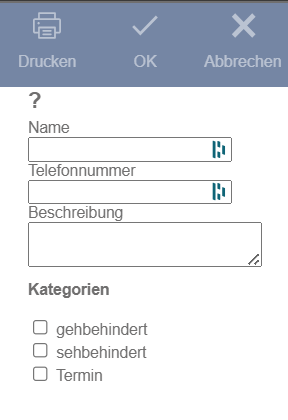
The case worker creates and prints a queue ticket, adds information if needed, and can use a category to assign an internal priority. Visitors cannot see this priority.
With an appointment:
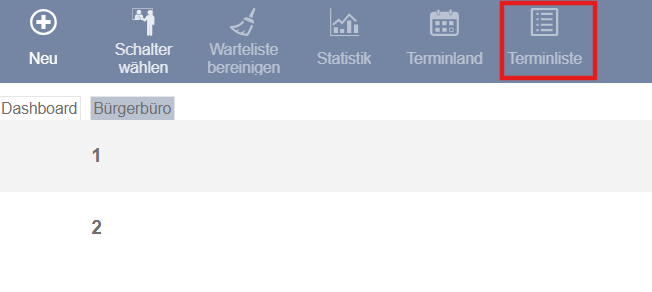
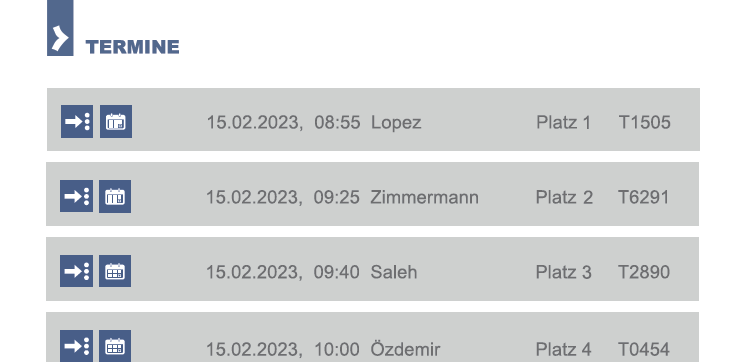
Our appointments-ui template lets staff quickly add customers with appointments to a queue with a mouse click, helping you manage queues efficiently and precisely.
Silent Alarm Module
Help protect employees who work with the public using iSign Silent Alarm, a Vocatis add-on module that helps improve workplace safety.
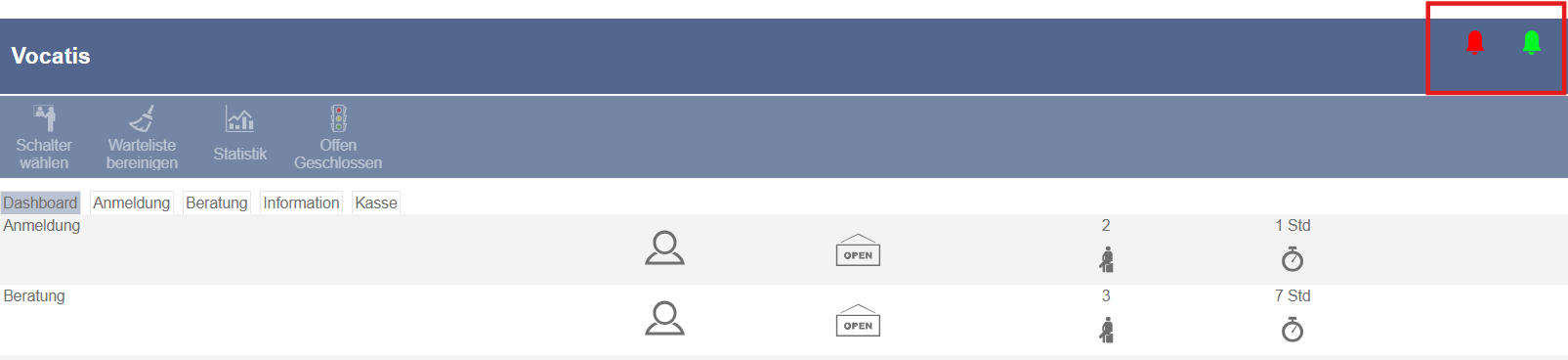
- The system uses your existing IT infrastructure and distributes alerts through a server on your premises or in the cloud.
- No additional hardware is required because workplace PCs are already available.
- It is ideal for separate offices where employees need to trigger an alarm discreetly in an emergency.
The following links provide detailed instructions and information about using Silent Alarm:
- Installation instructions
- Automatic sign-in
- New installation or reinstallation on a user PC
- Configure application settings through software distribution
- Start the trigger automatically
Vocatis Windows App

The Vocatis Windows App is a Windows client for queue management and calling numbers, available directly from the Windows taskbar. View open numbers in real time, call and manage them efficiently, and do so without opening a browser. It is ideal for work environments where a quick overview and smooth workflow are essential.
Key benefits:
Live overview
See the current status of queues at any time, directly in the Windows taskbar.
Call numbers easily
Start a call with one click without switching applications. Save time and work efficiently.
Maximum efficiency
Centralized taskbar controls mean fewer clicks, fewer open windows, and full control.
Quick to install and ready to use
Setup takes only a few minutes and requires no training.
Reliable continuous operation
The app starts automatically with Windows and stays active; it cannot be closed accidentally.