What Can I Do If the Screen Stops Updating and the Image Appears Frozen?
Situation
System:
- Windows
- iSign Player
- Intel® Core™ integrated graphics
After startup, the system briefly displays the desired image, then freezes in that state.
Solution
The graphics driver supplied with Windows is unstable. Install the latest graphics driver from Intel. At the time this article was written, the latest version was 31.0.101.2115. Use this version or a newer one.
info
The version supplied through Windows Update is not recent enough. Download the driver from the Intel website.
Procedure
- Download the latest driver from the Intel website.
- Install the driver and select Perform a clean installation.
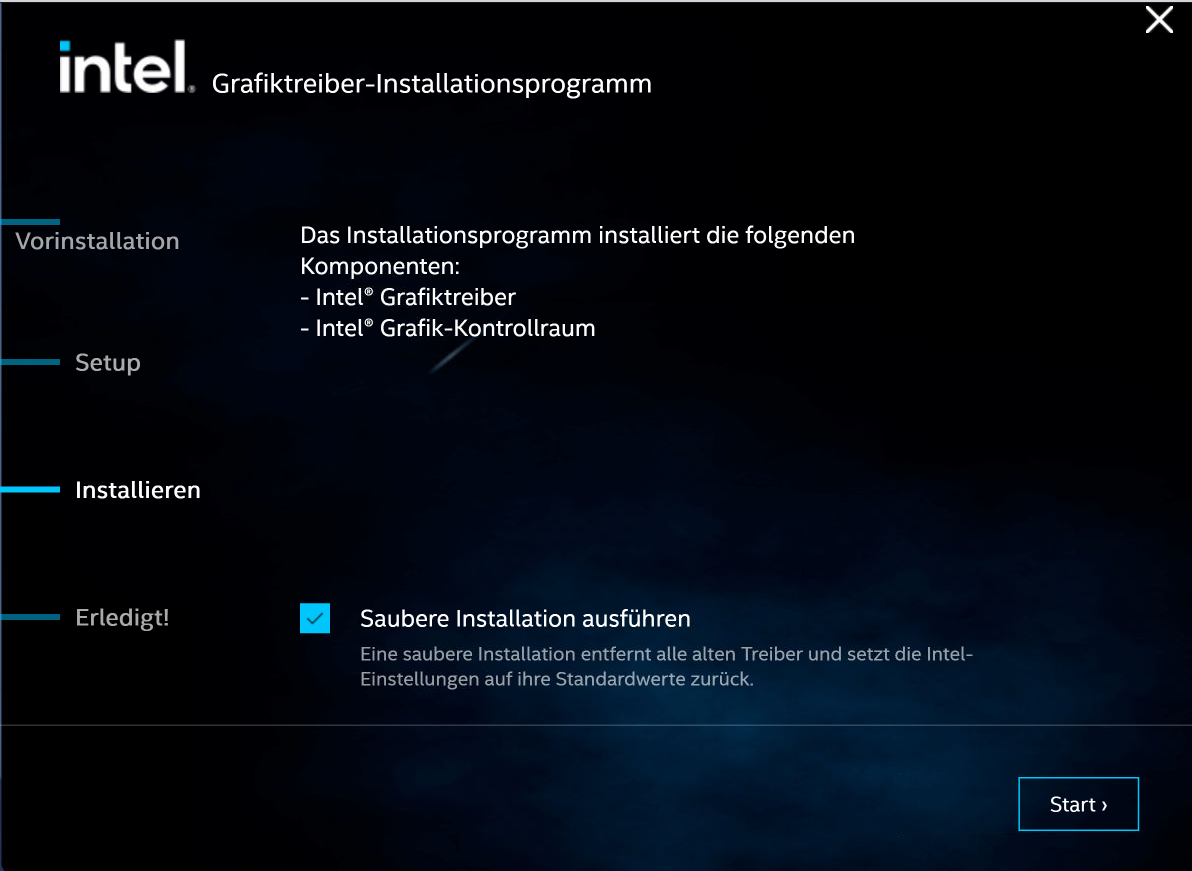
- Restart the system.